Clearwater Beach Golf Cart Rental Guide: Everything You Need to Know Before You Rent
Clearwater Beach is easy to love and hard to park. If you’ve ever circled the lots near Pier 60 on a Saturday afternoon, you know how much of a beach day that can eat. A Clearwater Beach golf cart rental lets you leave the car at the hotel and turns those short trips into part of the fun.
At Beach Ride Rental, we deliver street-legal carts free anywhere in Pinellas County, and our Clearwater Beach golf cart rentals come in sizes for couples, families, and groups of eight so no one misses out on the fun.
This Clearwater Beach golf cart rental guide will help you pick the right one.

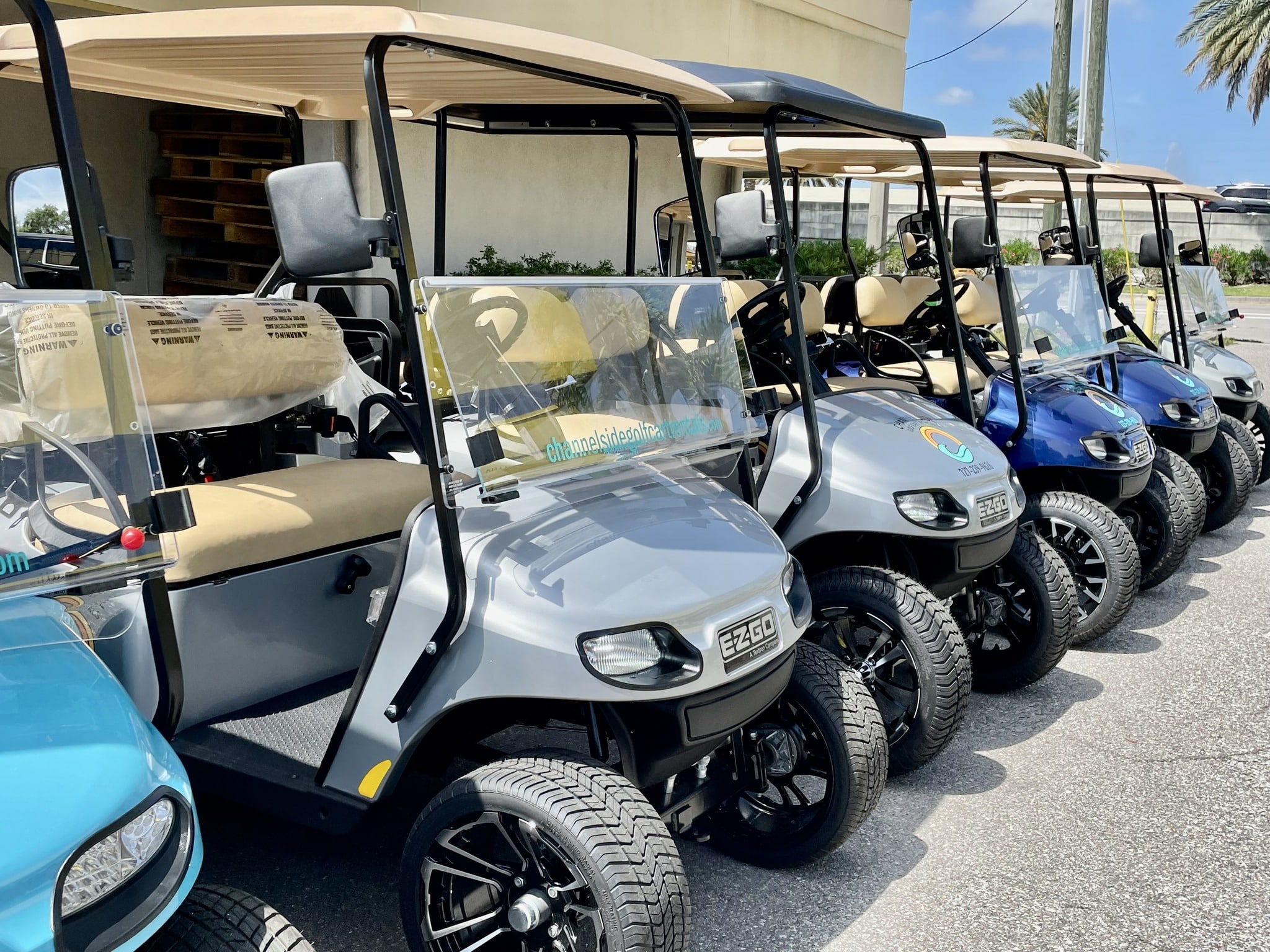
Choosing a cart for your crew
Count everyone, driver included, and think about the gear coming along.
Our 4-seater golf cart rental in Clearwater Beach suits couples and smaller families, and our 6-seater golf cart rental in Clearwater Beach fits six.
Extended family or a crew of friends? Our 8-seater golf cart rental in Clearwater Beach seats eight, driver included. For a family golf cart rental in Clearwater Beach, mention the cooler, stroller, or beach chairs when you book so there’s room for gear as well as people.
Then pick your power. Our electric golf cart rental in Clearwater Beach is the 6-passenger lithium cart, quiet and smooth with no tailpipe emissions. Every 6-passenger golf cart rental in Clearwater Beach costs the same with us, electric or gas.
Our 4- and 8-passenger carts run on gas, so an 8-passenger golf cart rental in Clearwater Beach settles the question for you.
How long should you rent a golf cart in Clearwater Beach?
For your whole stay, if you can. Our multi-day golf cart rental in Clearwater Beach runs from two to 30 days, and a weekly golf cart rental in Clearwater Beach saves 10% off the daily rate. Holiday weekend pricing varies.
If you're looking for a daily golf cart rental in Clearwater Beach, our minimum is two days. That’s still enough for a weekend of beach days and sunsets.
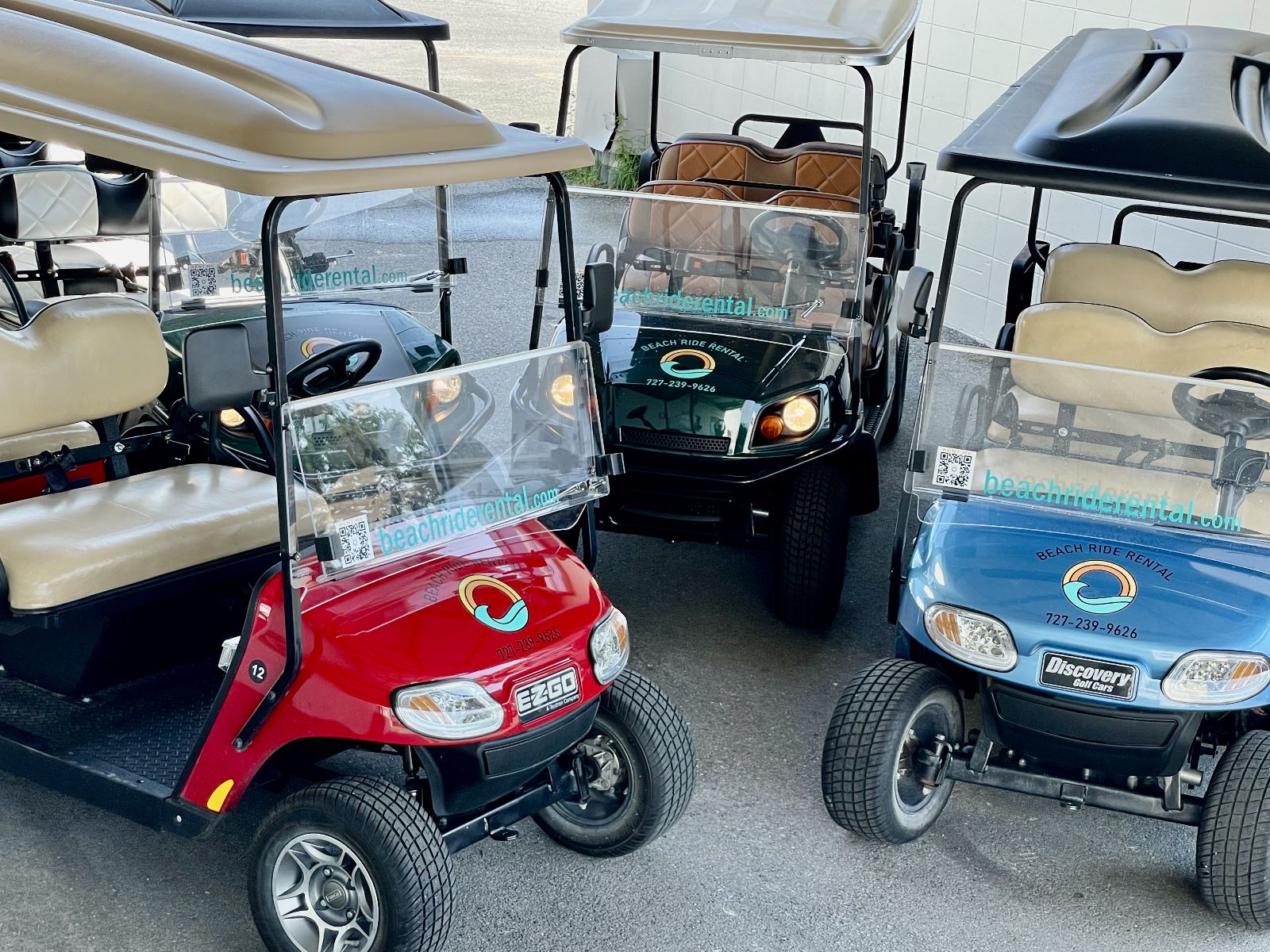
Getting the cart to your hotel
Free delivery covers all of Pinellas County, so we bring golf cart rentals in Clearwater Beach, FL, straight to your hotel or vacation rental. Share your dates, address, and group size, and we’ll set up delivery before you arrive.
Whoever’s driving needs to be 21 or older with a valid driver’s license. Ask your hotel or host where the cart can park, and if you’re going electric, ask about charging at the same time.
A day on Clearwater Beach
Nearly all of the beach is posted at 35 mph or less, so street-legal golf carts in Clearwater Beach can handle a full day of stop-and-go.
Start with breakfast at Ryan’s Island Cafe, a small, locally owned counter in the middle of the beach. Then go mural hunting. The Cooler Mural sits next to Frenchy’s Rockaway, and there’s another in the Clear Sky Cafe plaza on Mandalay Avenue, a short ride away.
In the afternoon, wander the rebuilt Clearwater Beach Marina and its new docks. End the day the classic way, with sunset at Pier 60. Park legally nearby and walk the last stretch, since beach sand and pedestrian paths aren’t driving routes.
Let’s get you rolling in Clearwater Beach
At Beach Ride Rental, we’ve seen what a Clearwater Beach golf cart rental does for a trip. The car stays parked, and the crew rides together. By day two, the beach starts to feel like your neighborhood.
Ready to explore? Book your cart online or call us at (727) 239-9626, and we’ll bring it to you, free, anywhere in Pinellas County. See you on the beach.
FAQs
Where can we drive the cart?
Any street posted at 35 mph or less, subject to local restrictions. A street-legal golf cart rental in Clearwater Beach is a Low Speed Vehicle (LSV), and a car’s suggested route isn’t automatically suitable for one.
How fast do the carts go?
Up to 25 mph, which is plenty for getting around the beach.
Can children ride in the cart?
Yes, with the right restraints. Florida requires approved child restraints for children five and younger, so tell us your kids’ ages before booking, and we’ll talk through the setup.
Where can we park the cart?
In city-owned parking spaces, with standard fees applying. Clearwater Beach has no dedicated public golf cart parking, so follow posted signs and your accommodation’s parking rules.
Can we use the cart for a night out?
Yes. Our carts have the required lights, and you pay one flat rate for the whole rental, so there’s no surge pricing after sunset like with rideshares.
Planning Your Florida Trip?
Have questions before committing? Give us a call at (727) 239-9626 or send us a message below. We're happy to help you pick the perfect cart for your crew!
- Email:
beachriderental@gmail.com - Phone:
(727) 239-9626 - Location:
13575 58th St N Suite 200
Clearwater, FL 33760
Contact Us Today!
Send us your question and we'll help you plan your Florida getaway.