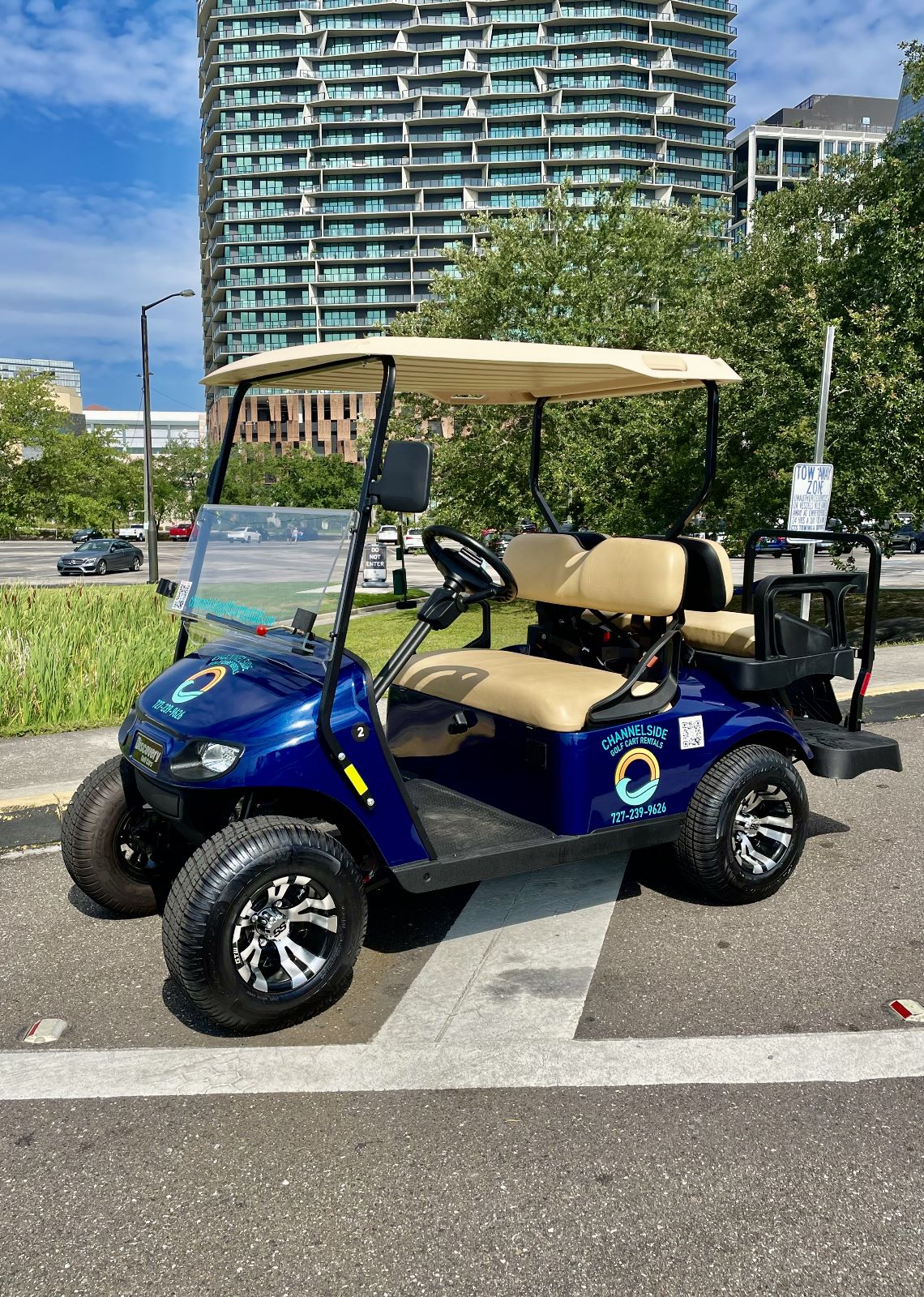
Redington Beach is a quiet stretch of homes, small parks, and Gulf beach, and most of whatโs worth doing sits a few blocks apart. Some of the best things to do in Redington Beach, FL, are short hops, like a mural on the way to the sand or lunch just up the road. Thatโs cart territory.
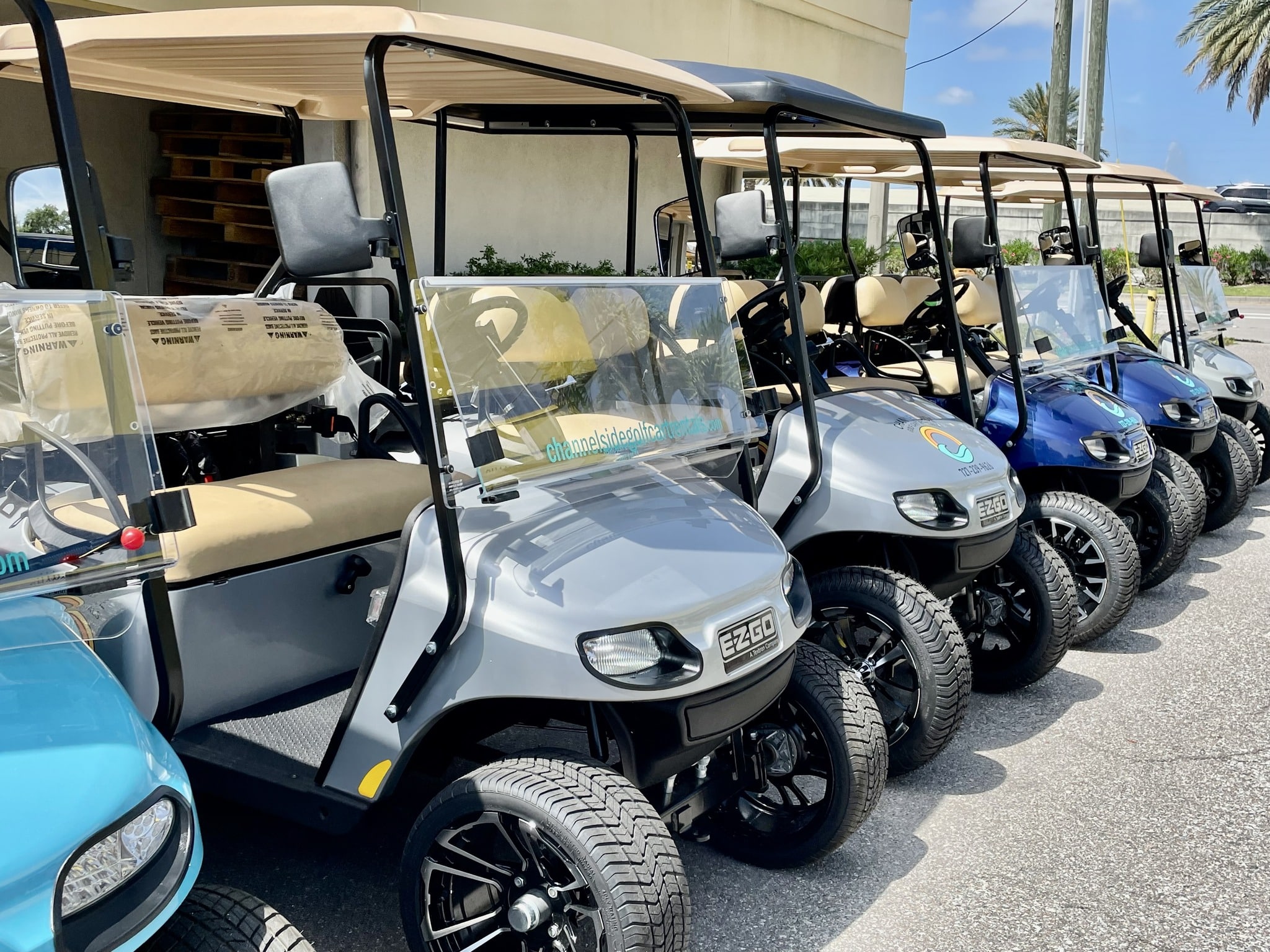
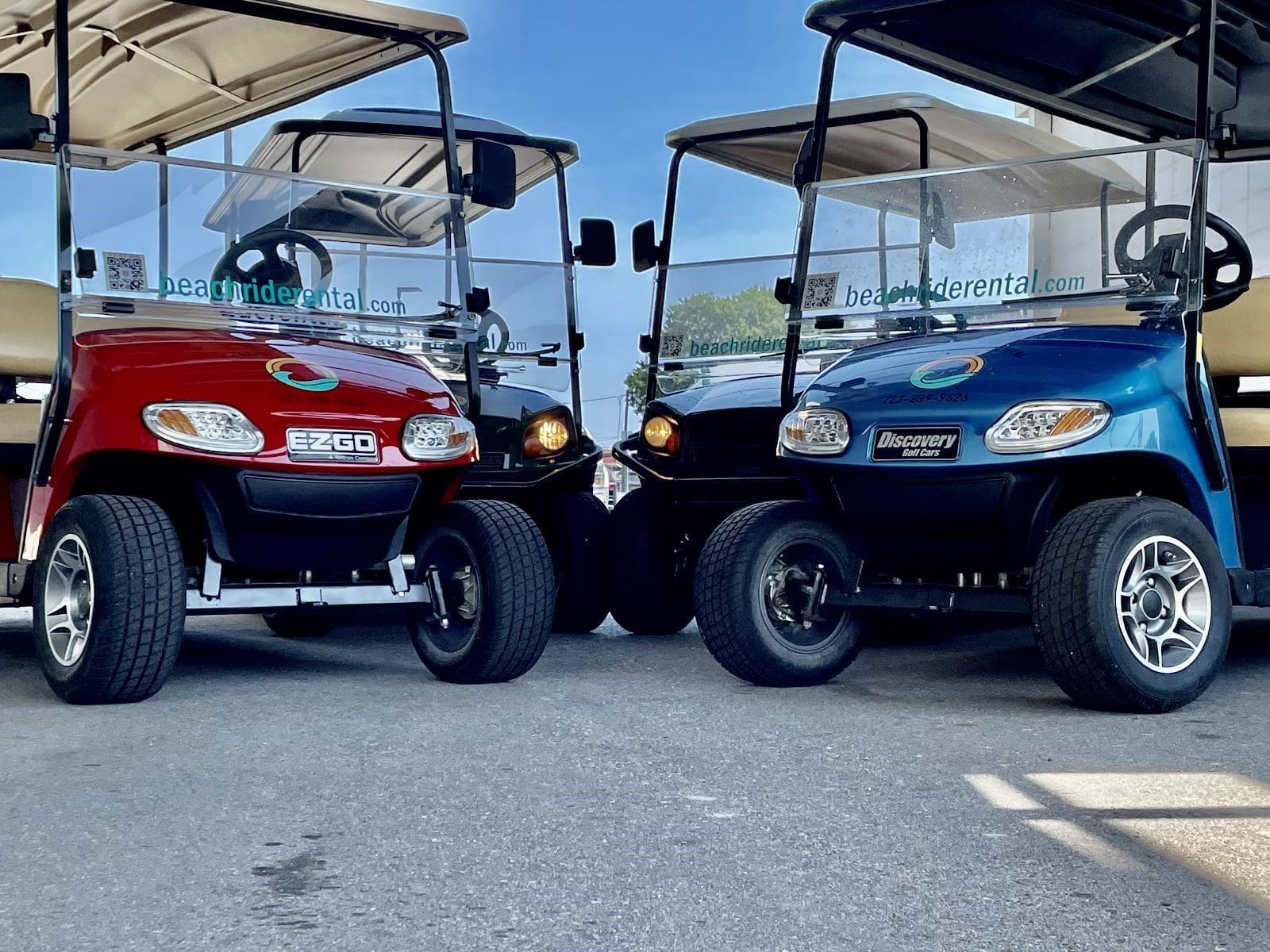
At Beach Ride Rental, we offer golf cart delivery in Redington Beach, FL. Our golf cart rentals in Redington Beach, FL, include a 4-seater for couples, a 6-seater golf cart rental for families, and an 8-seater golf cart rental for the whole crew.
The town has public beach accesses along Gulf Boulevard at 155th, 157th, 158th, 160th, 162nd, and 163rd Avenues. Pick the one closest to your rental, and use the crosswalks at 158th, 161st, or 163rd to get across Gulf Boulevard.
The beach is the one stop thatโs easier on foot. Leave the cart at your rental, grab the beach bags, and walk over. The best way to explore Redington Beach by golf cart is to save the cart for everything else.
On the way, stop at Moon Park on the beach side of Gulf Boulevard at 157th Avenue. The town added a mural there, and it makes a good first photo of the day.
When everyoneโs hungry, take the cart north on Gulf Boulevard into North Redington Beach. Sweet Sage Cafe, at 16725 Gulf Boulevard, serves brunch and lunch on a shady patio. Order the waffledaffle, and if youโre not driving, Dr. Sageโs Bloody Mary.
This is where golf cart rentals near Redington Beach pay off. The neighboring towns are part of the same easy day, and with Redington Beach golf carts, nobody has to move the car to get there.
Afternoons here are slow on purpose. Causeway Park runs along the 161st Avenue causeway, with benches for sitting or fishing and a different view of the water from the one you had all morning.
Town Park, at Gulf Boulevard and 164th Avenue, has shelters you can reserve through Town Hall if youโre planning a family picnic.
Then take the long way back. The town keeps five triangle gardens planted with flowers and native foliage, at corners like 158th Avenue and Redington Drive. A slow loop past them is one of the quieter Redington Beach activities, and a golf cart rental in Redington Beach, FL, is the right speed for it.
Music City Beach Bar & Bites soft-opened in April 2026 at 16905 Gulf Boulevard in North Redington Beach. Itโs a bar and restaurant with live country music, and the newest night out on this stretch of coast.
Check the schedule before you head over, and grab a table early on show nights.
At Beach Ride Rental, we love how close everything is in this little town. With a vacation golf cart rental in Redington Beach, all the things to do in Redington Beach, FL, sit a short ride from your front door, and the whole crew rides together.
Ready to explore? Book one of our Redington Beach golf cart rentals online or call us at (727) 239-9626, and weโll bring the cart to you, free. See you on Gulf Boulevard.
Yes, as long as itโs street-legal. Street-legal golf carts in Redington Beach, FL, are Low Speed Vehicles (LSVs), allowed on roads posted at 35 mph or less, and ordinary golf carts arenโt allowed on town streets.
No. Town rules prohibit golf carts on the beach, so park legally and walk to the sand.
Not on most side streets. Resident-only parking covers First, Second, and Third Streets East between 155th and 164th Avenues, and the town no longer issues visitor passes.
Up to 25 mph, which is plenty for getting around town.
Yes. Our carts have the required lights, and you pay one flat rate for the whole rental, so the ride home from Music City comes with no surge pricing.
Have questions before committing? Give us a call at (727) 239-9626 or send us a message below. We're happy to help you pick the perfect cart for your crew!
Send us your question and we'll help you plan your Florida getaway.
Beach Ride Rental
We firmly believe that the internet should be available and accessible to anyone, and are committed to providing a website that is accessible to the widest possible audience, regardless of circumstance and ability.
To fulfill this, we aim to adhere as strictly as possible to the World Wide Web Consortiumโs (W3C) Web Content Accessibility Guidelines 2.1 (WCAG 2.1) at the AA level. These guidelines explain how to make web content accessible to people with a wide array of disabilities. Complying with those guidelines helps us ensure that the website is accessible to all people: blind people, people with motor impairments, visual impairment, cognitive disabilities, and more.
This website utilizes various technologies that are meant to make it as accessible as possible at all times. We utilize an accessibility interface that allows persons with specific disabilities to adjust the websiteโs UI (user interface) and design it to their personal needs.
Additionally, the website utilizes an AI-based application that runs in the background and optimizes its accessibility level constantly. This application remediates the websiteโs HTML, adapts Its functionality and behavior for screen-readers used by the blind users, and for keyboard functions used by individuals with motor impairments.
If youโve found a malfunction or have ideas for improvement, weโll be happy to hear from you. You can reach out to the websiteโs operators by using the following email
Our website implements the ARIA attributes (Accessible Rich Internet Applications) technique, alongside various different behavioral changes, to ensure blind users visiting with screen-readers are able to read, comprehend, and enjoy the websiteโs functions. As soon as a user with a screen-reader enters your site, they immediately receive a prompt to enter the Screen-Reader Profile so they can browse and operate your site effectively. Hereโs how our website covers some of the most important screen-reader requirements, alongside console screenshots of code examples:
Screen-reader optimization: we run a background process that learns the websiteโs components from top to bottom, to ensure ongoing compliance even when updating the website. In this process, we provide screen-readers with meaningful data using the ARIA set of attributes. For example, we provide accurate form labels; descriptions for actionable icons (social media icons, search icons, cart icons, etc.); validation guidance for form inputs; element roles such as buttons, menus, modal dialogues (popups), and others. Additionally, the background process scans all the websiteโs images and provides an accurate and meaningful image-object-recognition-based description as an ALT (alternate text) tag for images that are not described. It will also extract texts that are embedded within the image, using an OCR (optical character recognition) technology. To turn on screen-reader adjustments at any time, users need only to press the Alt+1 keyboard combination. Screen-reader users also get automatic announcements to turn the Screen-reader mode on as soon as they enter the website.
These adjustments are compatible with all popular screen readers, including JAWS and NVDA.
Keyboard navigation optimization: The background process also adjusts the websiteโs HTML, and adds various behaviors using JavaScript code to make the website operable by the keyboard. This includes the ability to navigate the website using the Tab and Shift+Tab keys, operate dropdowns with the arrow keys, close them with Esc, trigger buttons and links using the Enter key, navigate between radio and checkbox elements using the arrow keys, and fill them in with the Spacebar or Enter key.Additionally, keyboard users will find quick-navigation and content-skip menus, available at any time by clicking Alt+1, or as the first elements of the site while navigating with the keyboard. The background process also handles triggered popups by moving the keyboard focus towards them as soon as they appear, and not allow the focus drift outside it.
Users can also use shortcuts such as โMโ (menus), โHโ (headings), โFโ (forms), โBโ (buttons), and โGโ (graphics) to jump to specific elements.
We aim to support the widest array of browsers and assistive technologies as possible, so our users can choose the best fitting tools for them, with as few limitations as possible. Therefore, we have worked very hard to be able to support all major systems that comprise over 95% of the user market share including Google Chrome, Mozilla Firefox, Apple Safari, Opera and Microsoft Edge, JAWS and NVDA (screen readers).
Despite our very best efforts to allow anybody to adjust the website to their needs. There may still be pages or sections that are not fully accessible, are in the process of becoming accessible, or are lacking an adequate technological solution to make them accessible. Still, we are continually improving our accessibility, adding, updating and improving its options and features, and developing and adopting new technologies. All this is meant to reach the optimal level of accessibility, following technological advancements. For any assistance, please reach out to